Use Orihako from an AI agent
The agent runs on your computer, so the AI never receives your files.
Two ways to connect
Open the AI agents tab: one card for Claude Desktop, one for every other app. Take the one for the app you use.
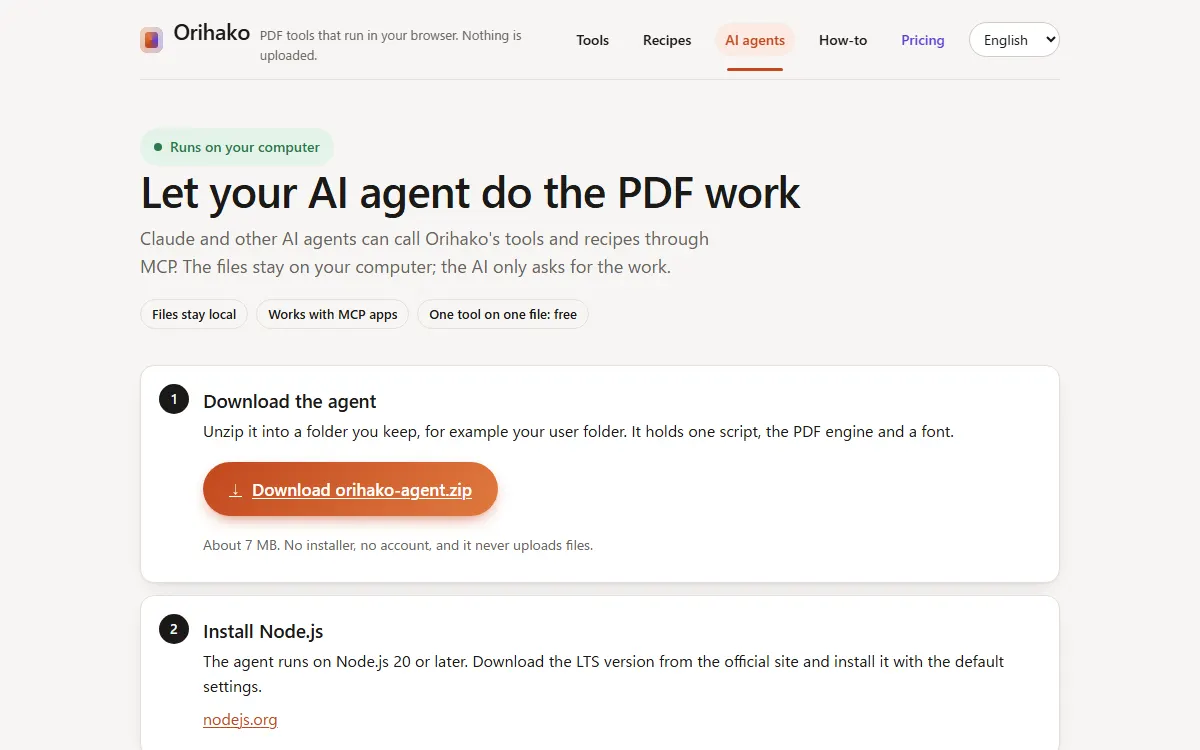
Claude Desktop: one file
Press Download orihako.mcpb, double-click the file you get, and press Install in the window that opens. No Node.js to install: Claude Desktop brings its own.
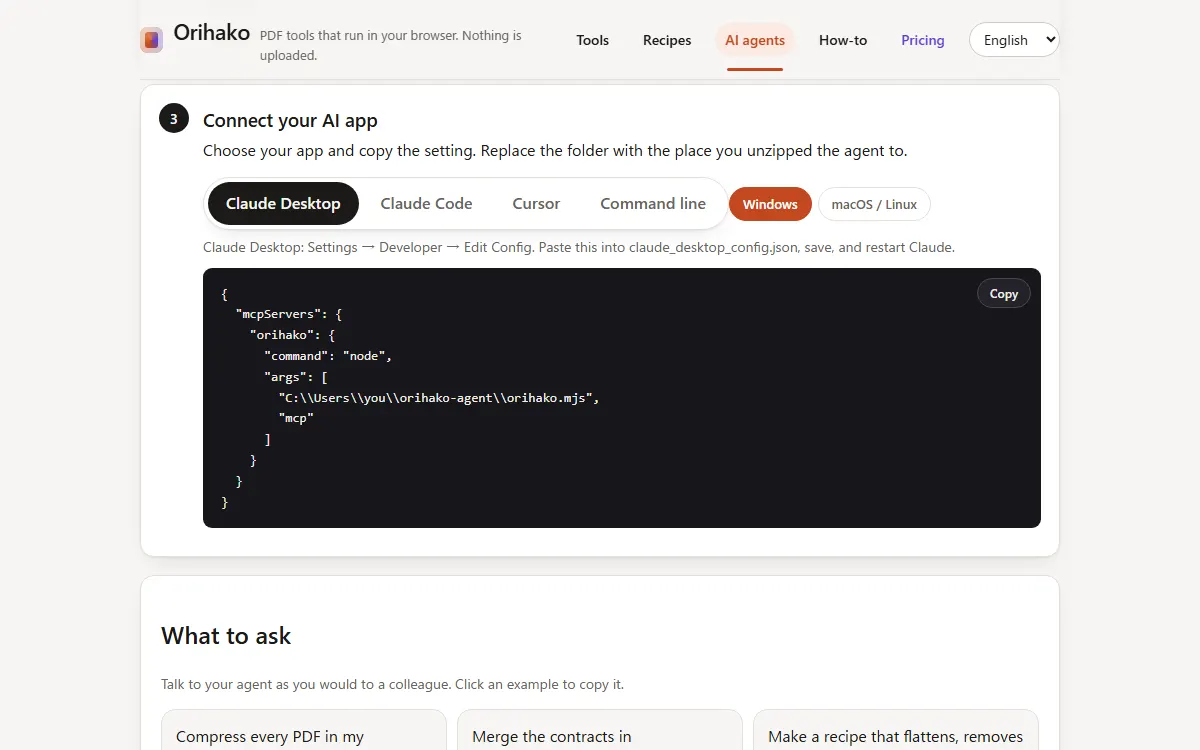
Other apps: one command
Unzip orihako-agent.zip, open a terminal in that folder and run “node orihako.mjs setup”. It adds Orihako to the Claude Code, Cursor and VS Code it finds (Node.js 20 or later).
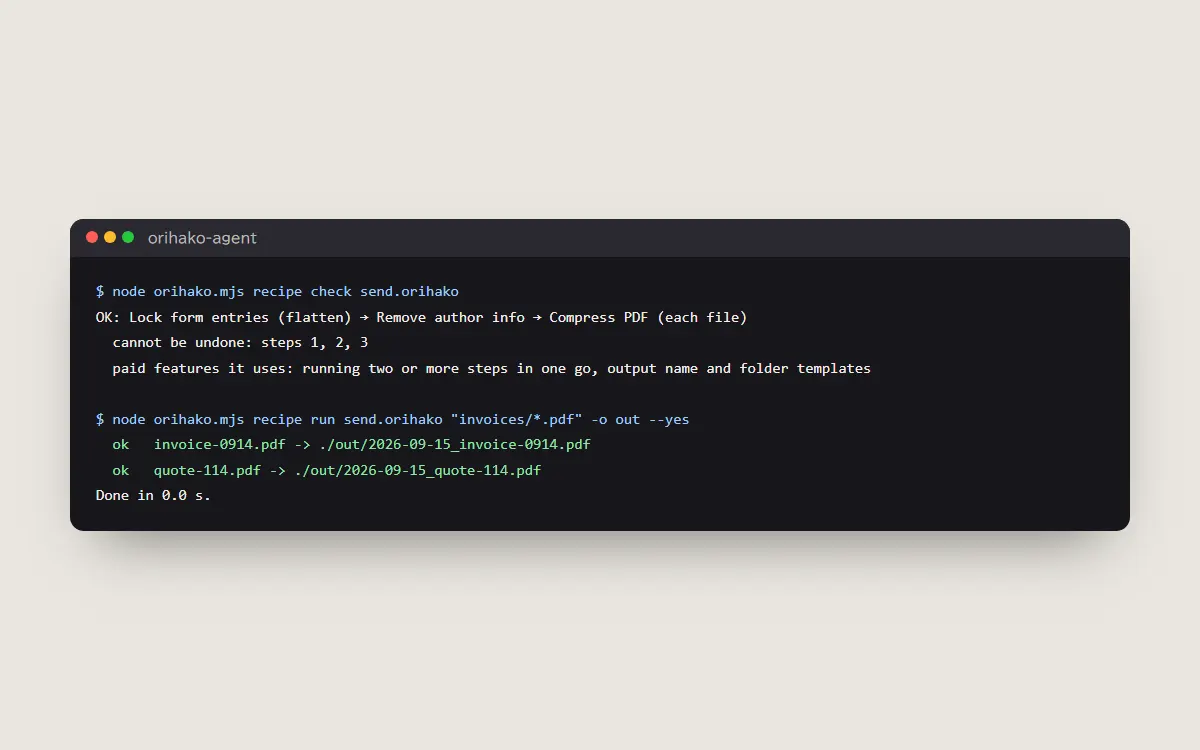
Ask
Restart the app, then ask in plain words, for example “compress every PDF in Downloads to under 3 MB”. The agent answers with what it did.
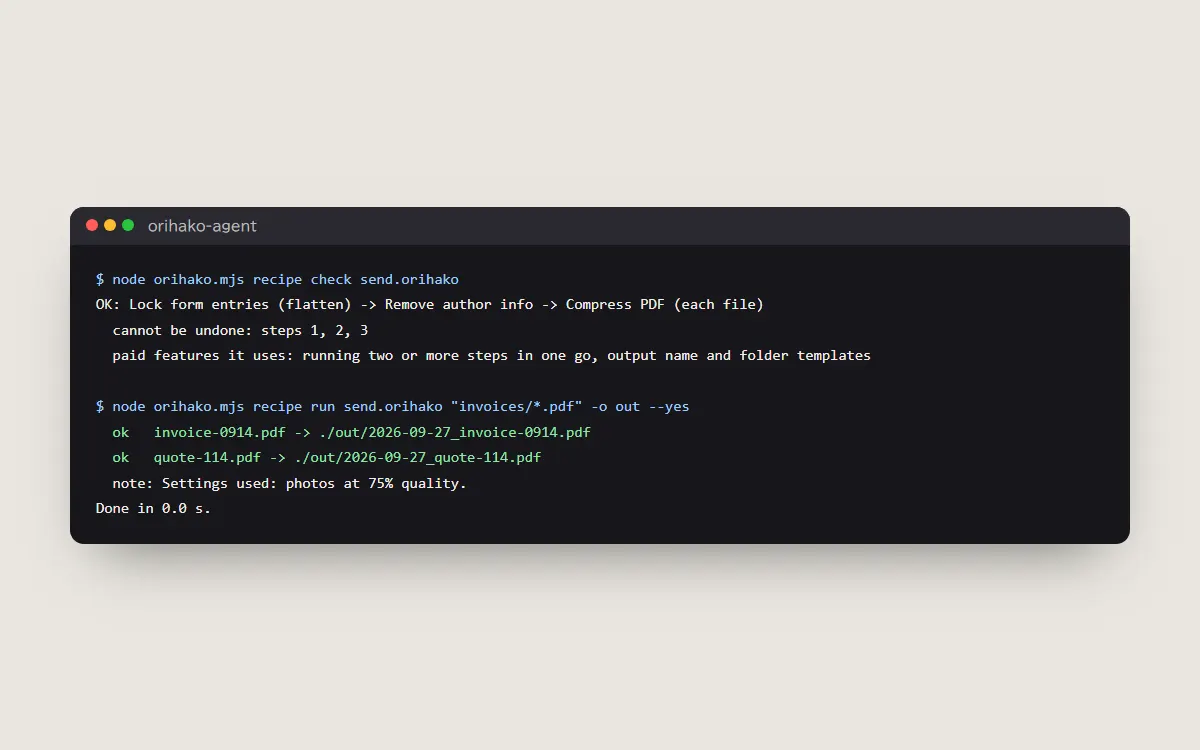
Tips
- One tool on one file is free; chains and many files need a Pro key (activate_license).
- To undo it, run “node orihako.mjs setup --remove”. A settings file is copied beside itself before it is changed.
- Nothing to install: copy the recipe prompt into any AI chat, then paste the answer into the recipe page.
Last updated: 2026-09-16