Process many files at once
One file at a time is free. With Pro, a tool or a recipe runs on up to 20 files at once (Business: 200).
Drop all the files
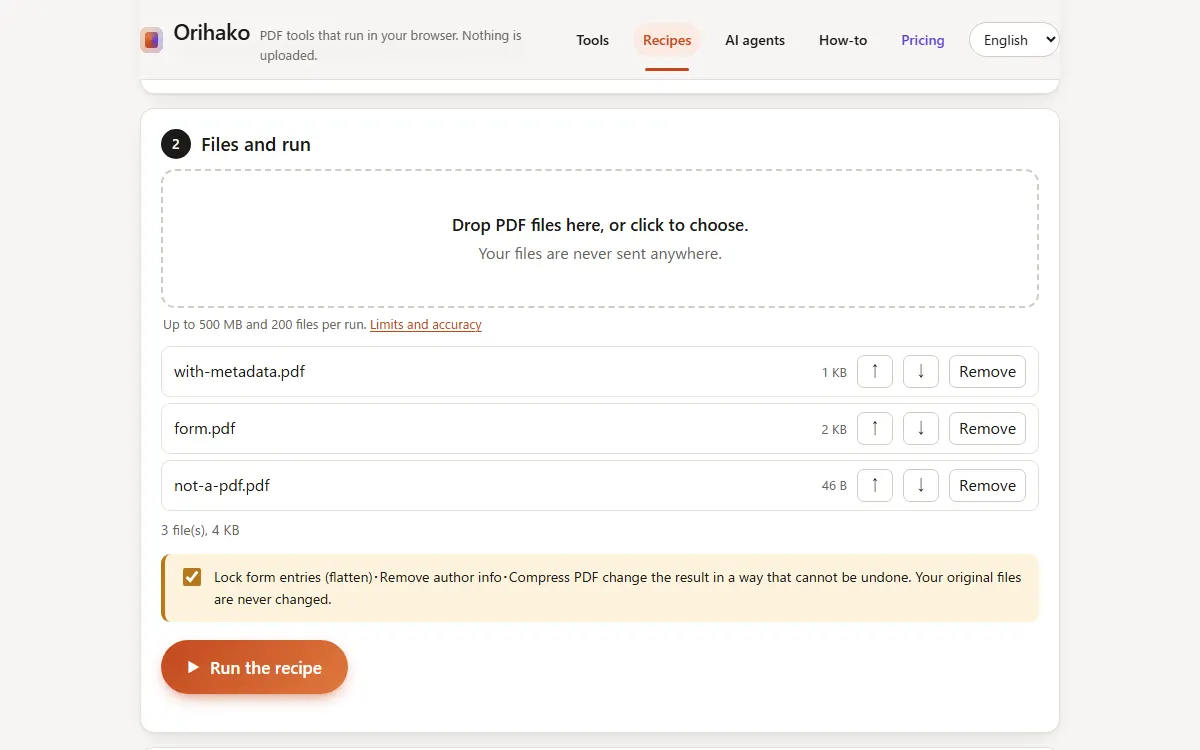
Drop the whole set on a tool page or on the recipe page.
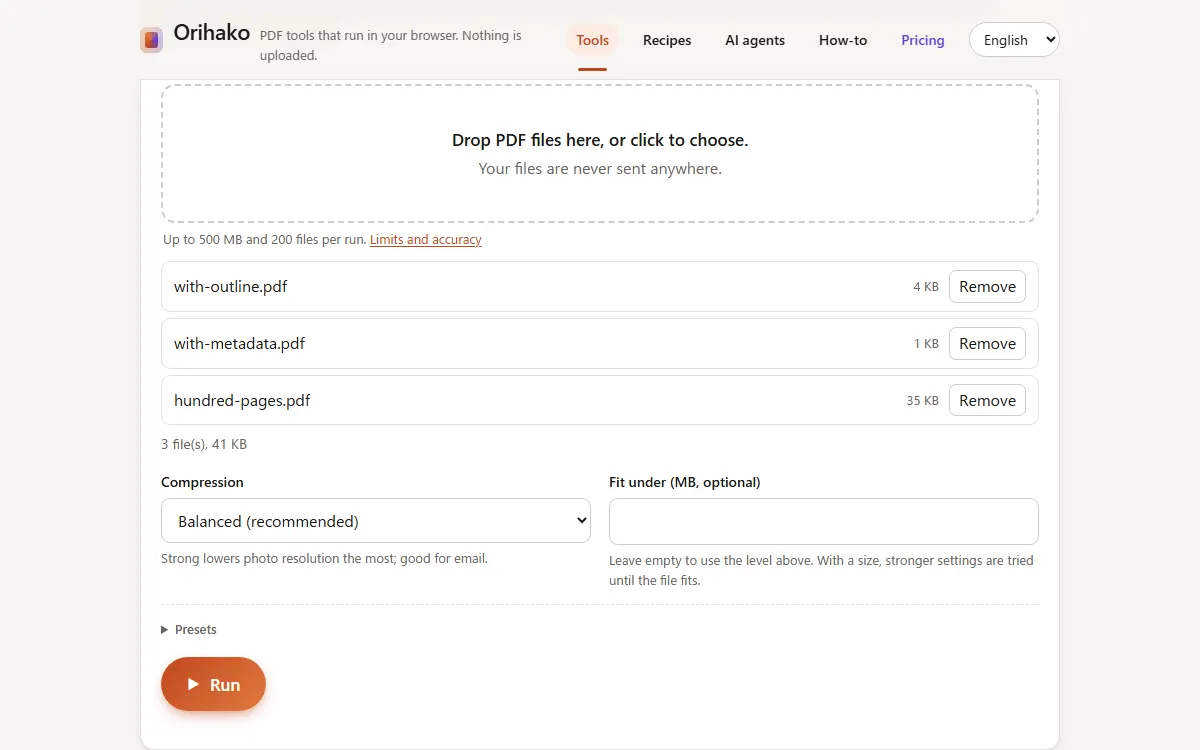
Run once
Press Run. The progress bar shows which file and which step is running.
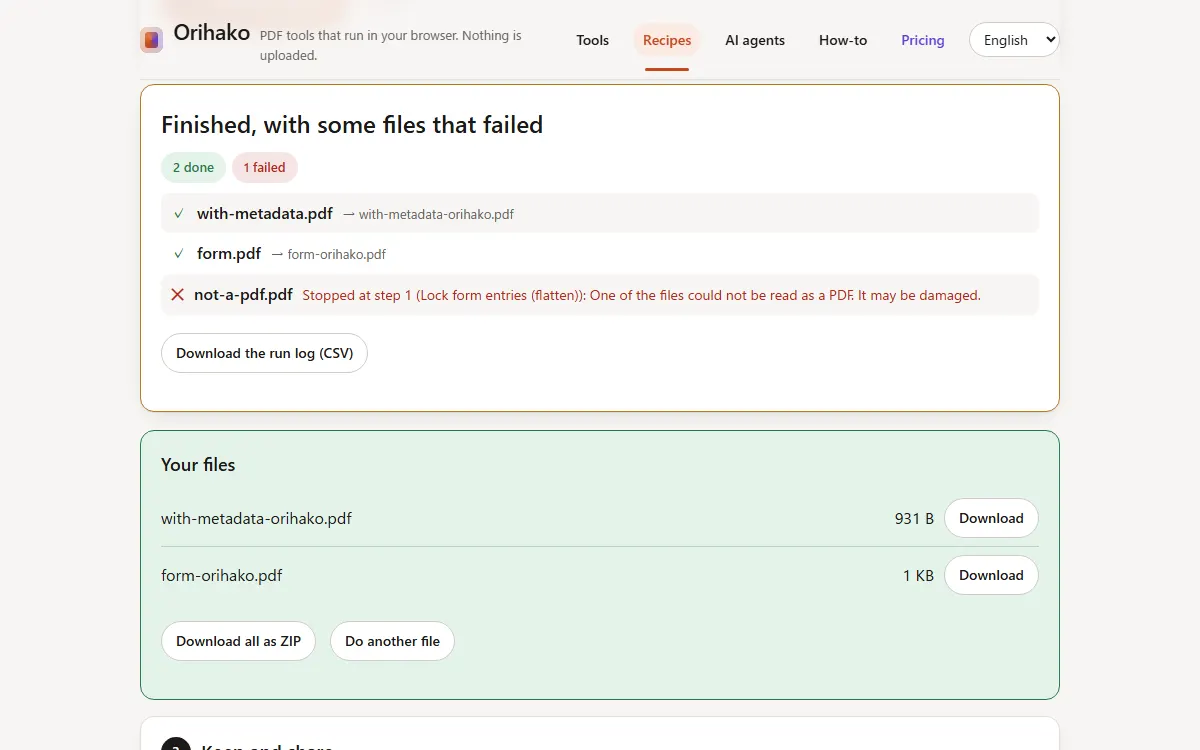
See what happened
Each file is listed. A file that failed shows the step and the reason, and the others still finish.
Tips
- Stop after this file ends a long run safely.
- Download all makes one ZIP and keeps the folders a name rule created.
Last updated: 2026-09-15