Build and edit your own recipe
When your work is not on the list, build the chain yourself. Everything is tiles and menus; no code.
Start
On the recipe page, choose Start empty, or open a recipe and change it.
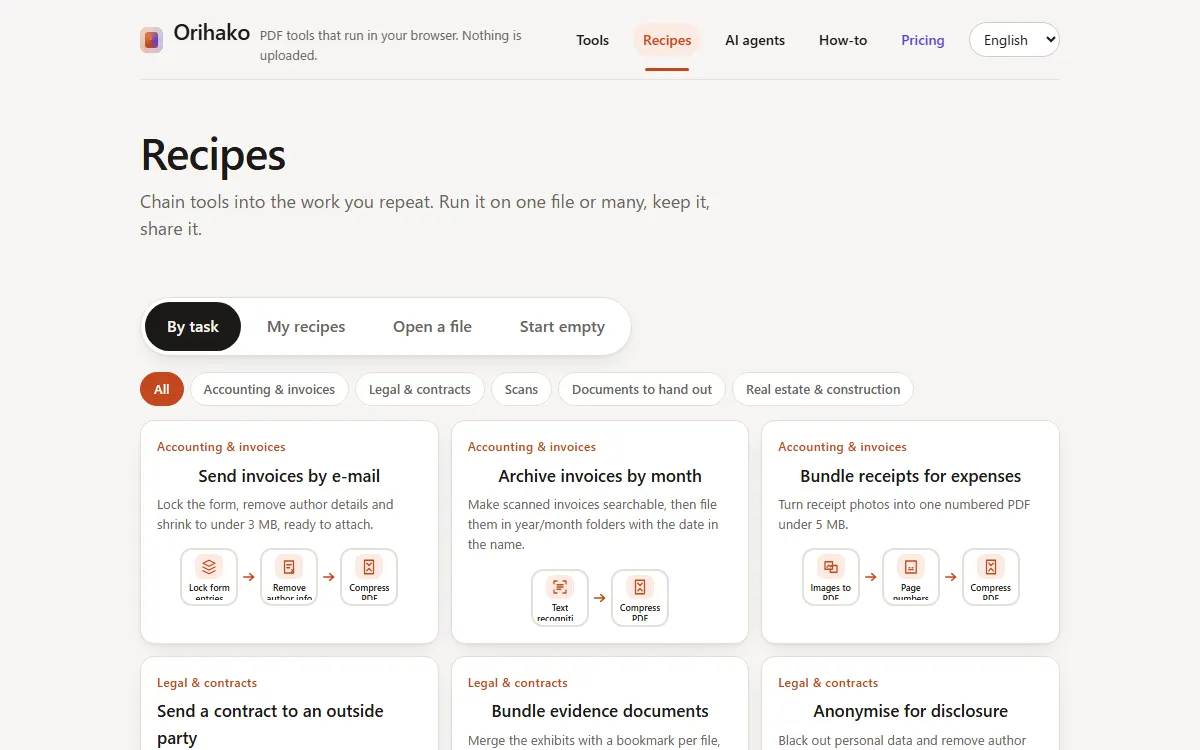
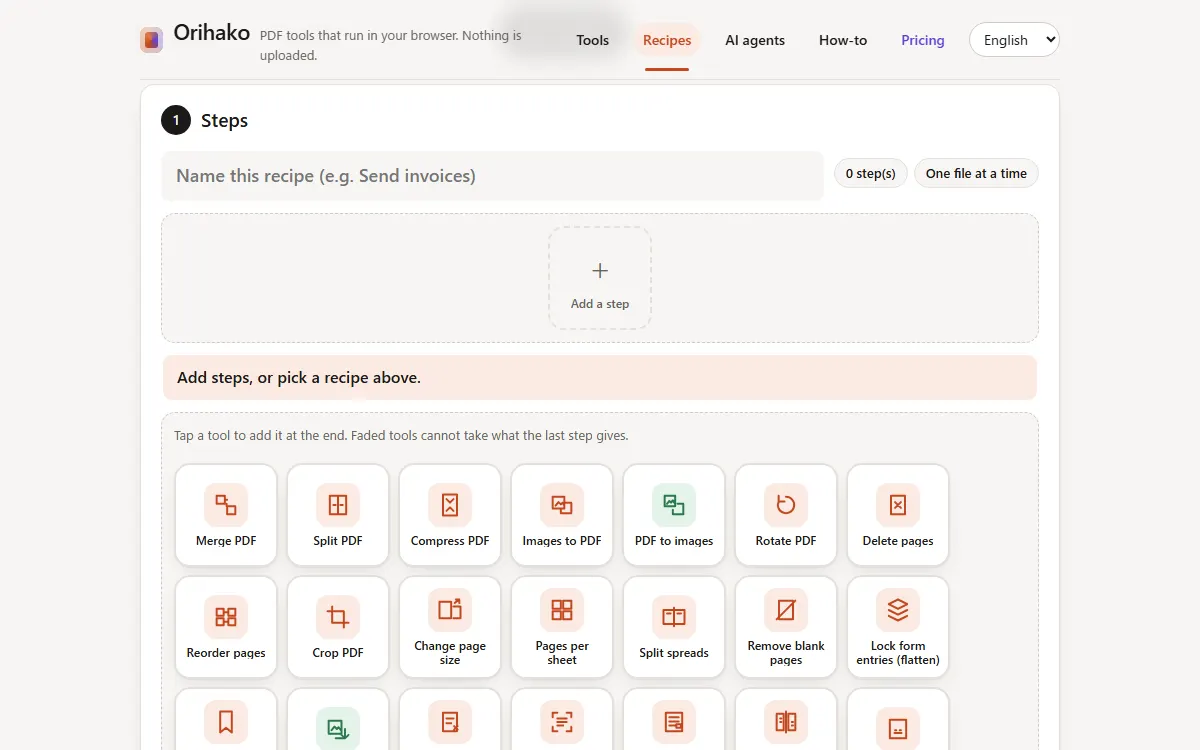
Add steps
Press the + tile and tap tools in the order they should run. Faded tools cannot take what the last step gives.
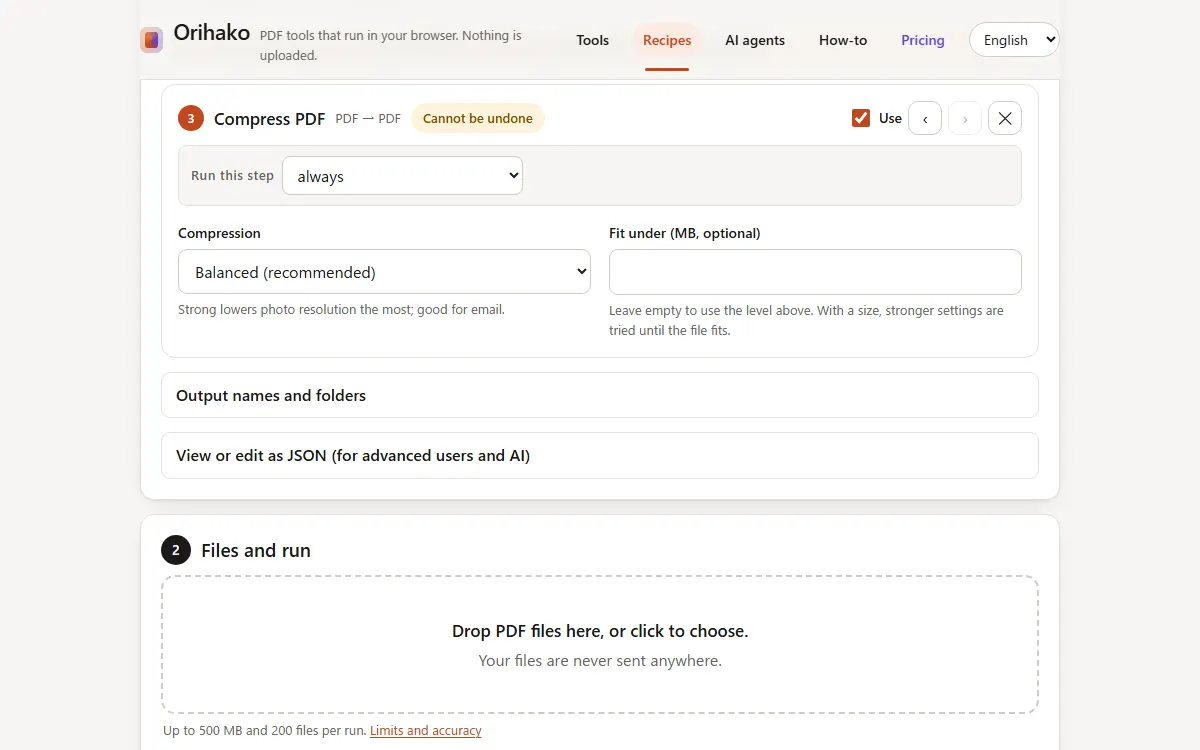
Set each step
Tap a tile to open its settings. Move it with the arrows, or untick Use to keep it without running it.
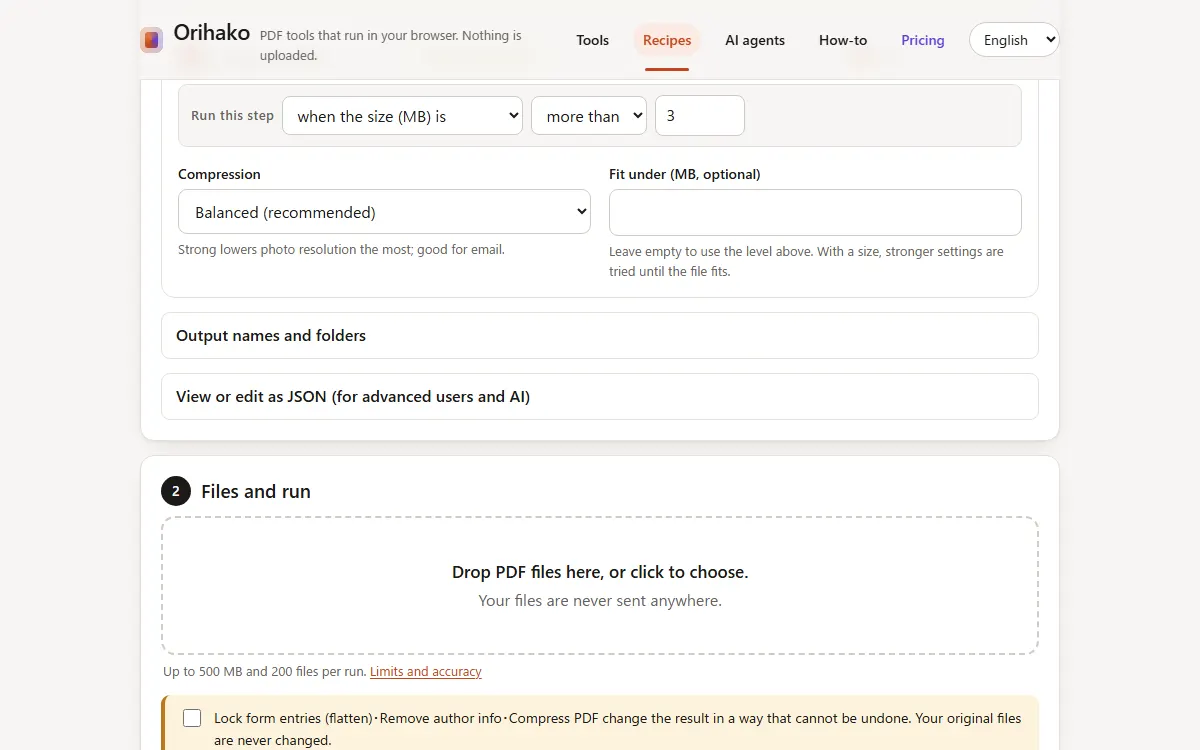
Add a condition
Under Run this step, choose for example “only for scans”: files that already have text skip that step.
Name the results
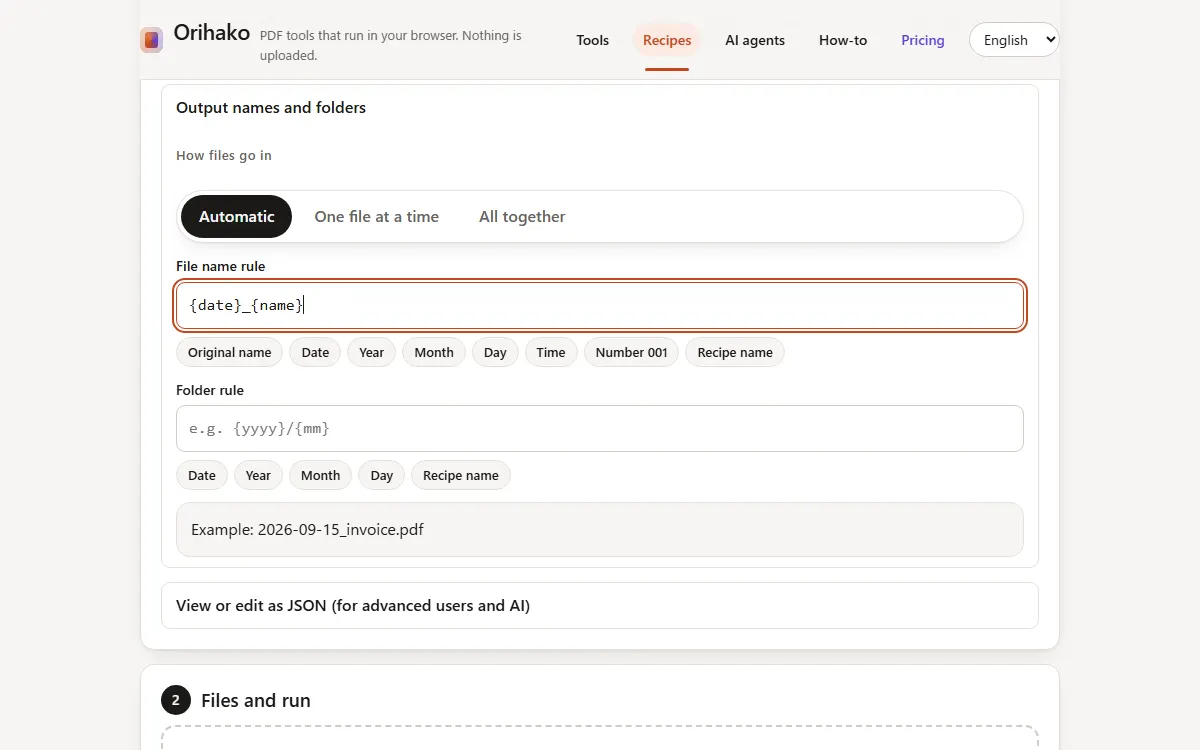
Open Output names and folders and click the chips to build a rule, such as the date and the original name inside year/month folders.
See it in motion
The short video shows a recipe built from nothing in under a minute.
Tips
- The sentence under the tiles always says exactly what will happen.
- View or edit as JSON shows the same recipe as text, for advanced users and AI tools.
Last updated: 2026-09-15