Your first run: one tool, one file
Every tool works the same way, and every tool is free for single runs. Here is Merge; the steps are the same for all 43 tools.
Pick a tool
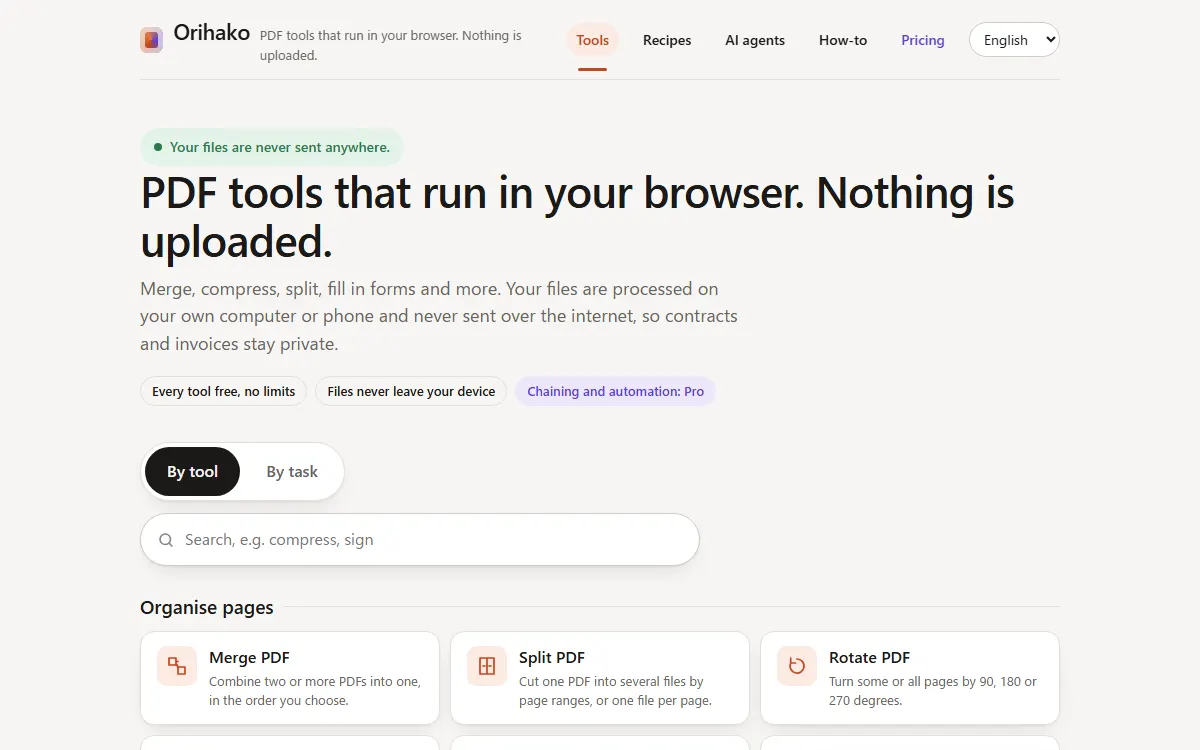
On the home page, stay on By tool and click a card, or type what you need in the search box.
Drop your files
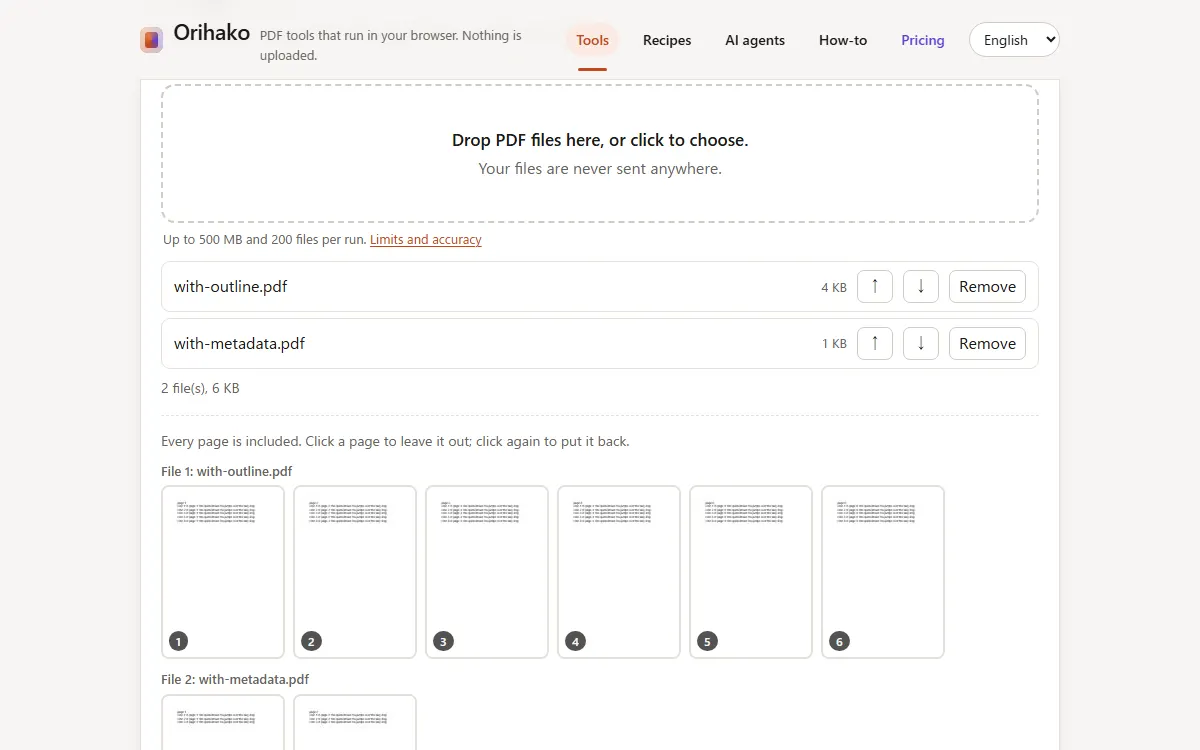
Drag files onto the dashed box, or click it to choose them. The files stay in your browser.
Adjust and run
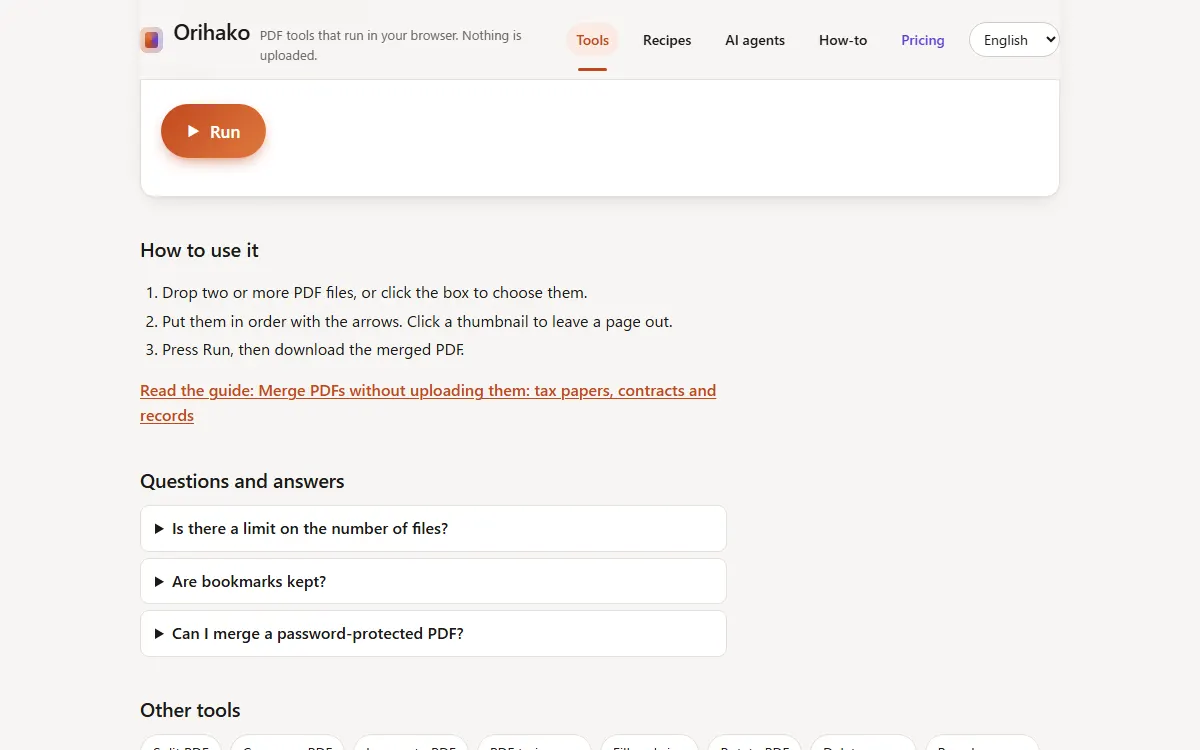
Change the settings if you like, then press Run. Most tools finish in about a second.
Download
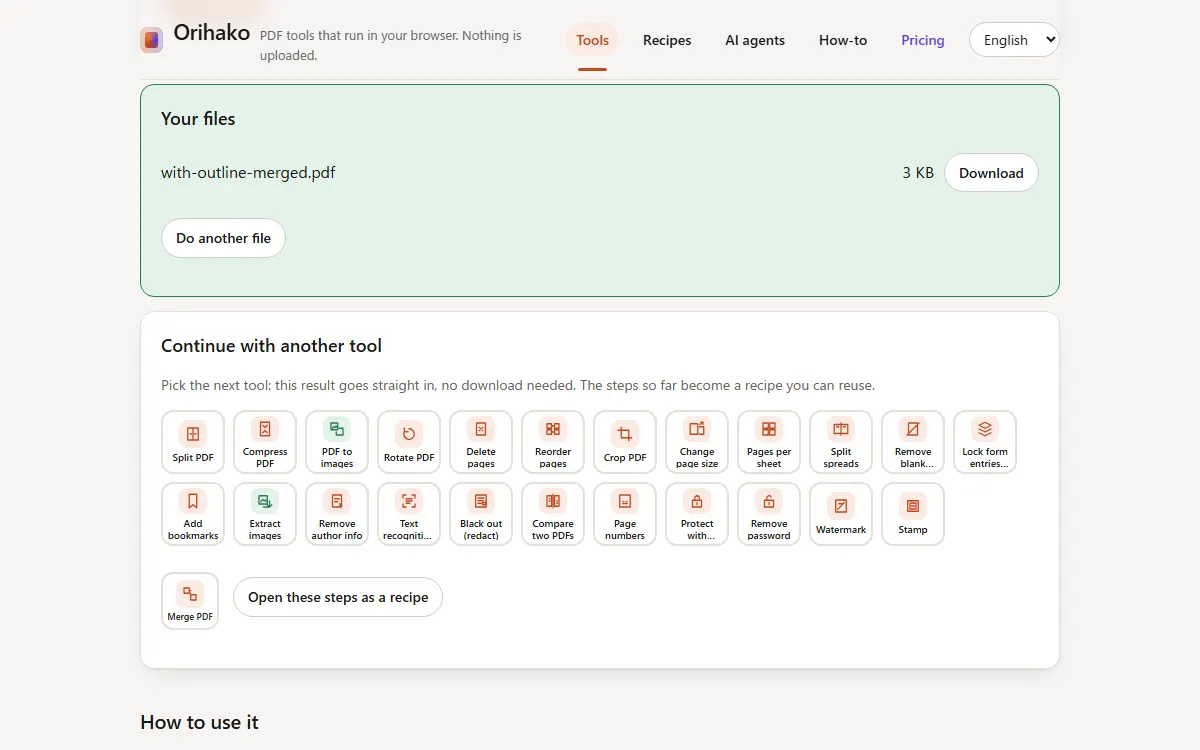
Download the result, or every result as one ZIP. To keep working on it, pick the next tool under the result.
Tips
- Merge, Images to PDF and Compare use several files together; other tools take one file per run.
- Settings you use often can be kept as presets under the form.
- Once opened, the site also works offline.
Last updated: 2026-09-15