Automate a folder
For offices: put files in one folder and the results appear in another while the page is open. Chrome or Edge on a computer.
Open a recipe
Open or build the recipe to apply to every file.
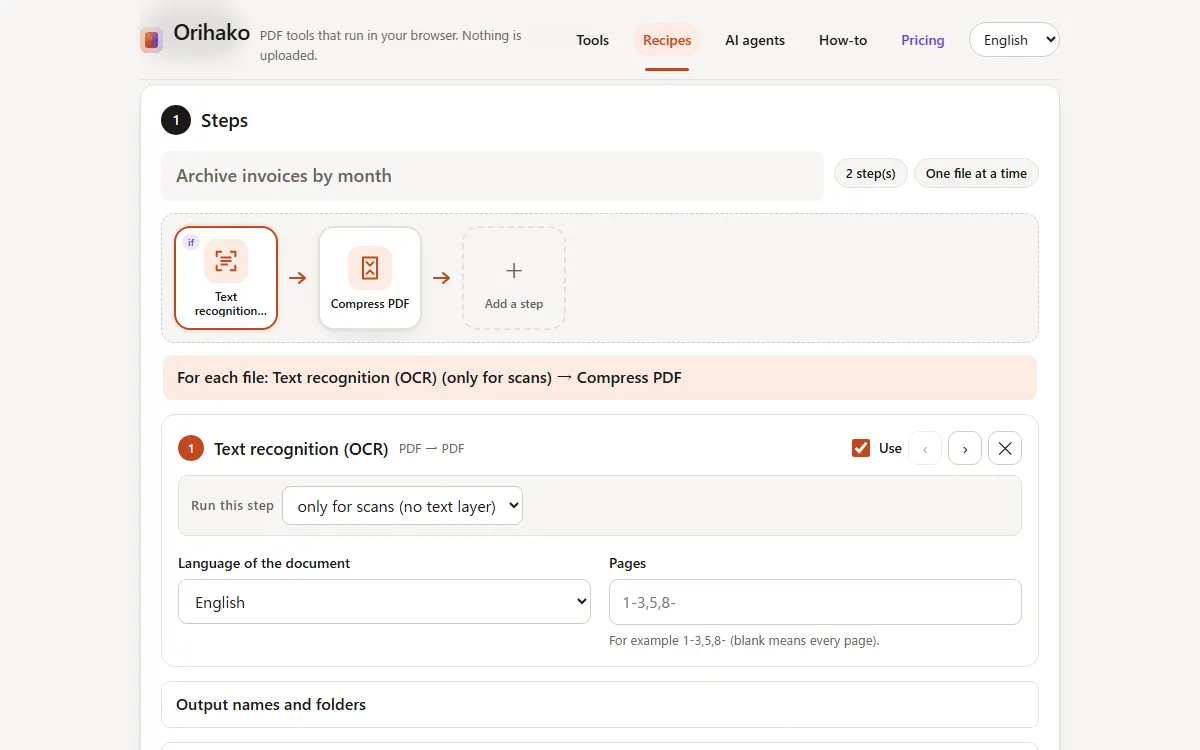
Choose the folders
In Automate a folder, choose an input folder and an output folder. The browser asks for permission once.
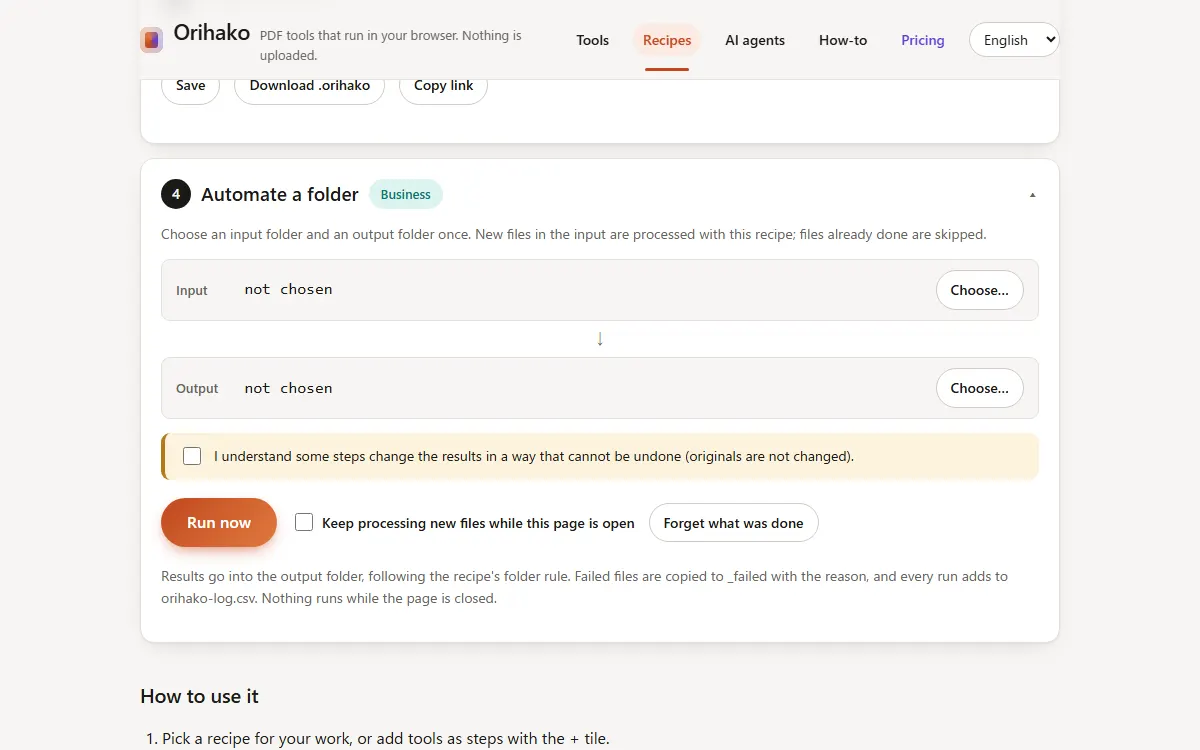
Run now, or keep watching
Press Run now, or tick the box to process new files every few seconds while the page is open.
Check the results
Results follow the recipe's folder rule. Failed files are copied to _failed with the reason, and orihako-log.csv lists every run.
Tips
- Files already processed are recognised by their content and skipped, even if renamed.
- For runs at night, use the command line from the AI agents tab with a scheduled task.
Last updated: 2026-09-15