Turn what you just did into a recipe
You do not have to plan a recipe. Work as usual, and the steps become one.
Run a tool
Use any tool as usual. Under the result, Next offers the likeliest tools; every other one is under Continue in another tool.
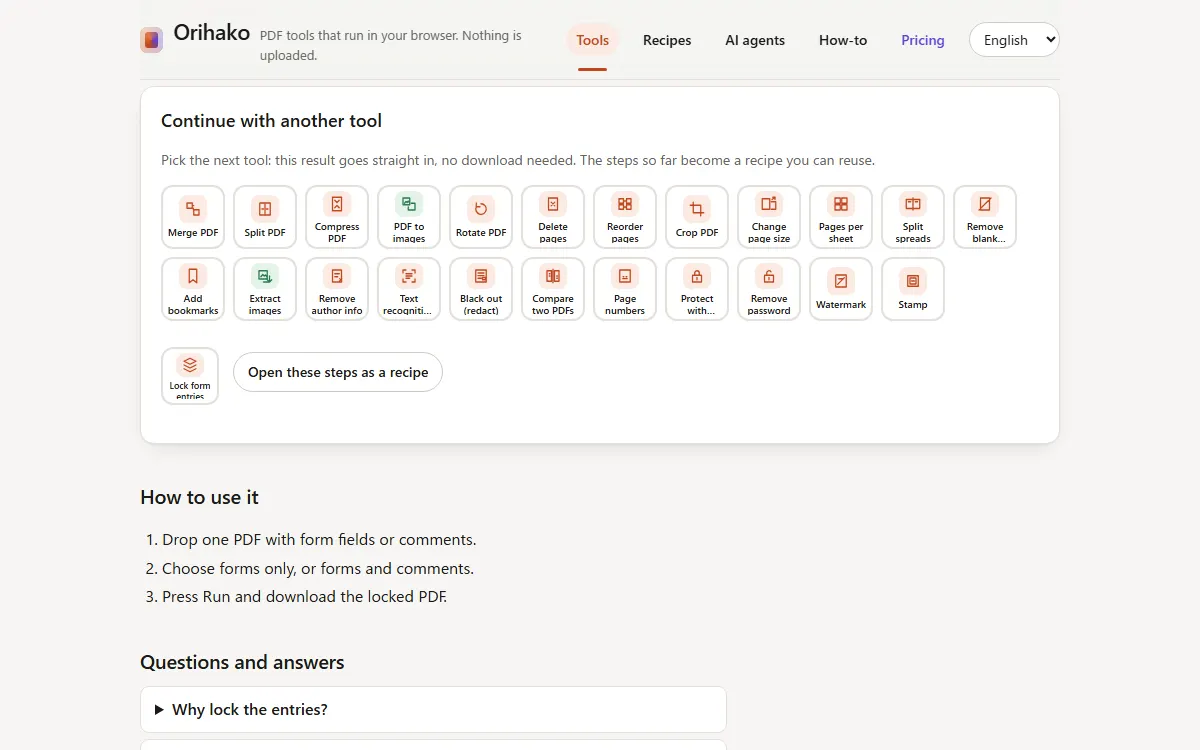
Continue with the next tool
Tap the next tool. The result goes straight in; there is nothing to download.
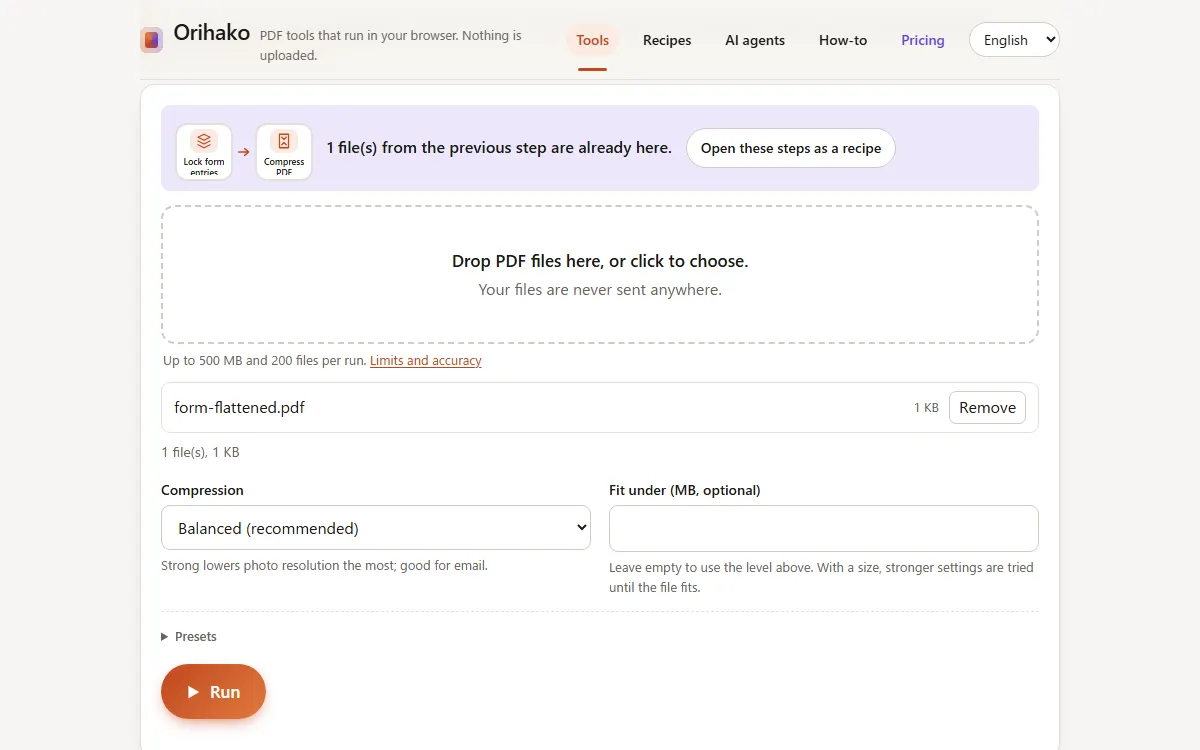
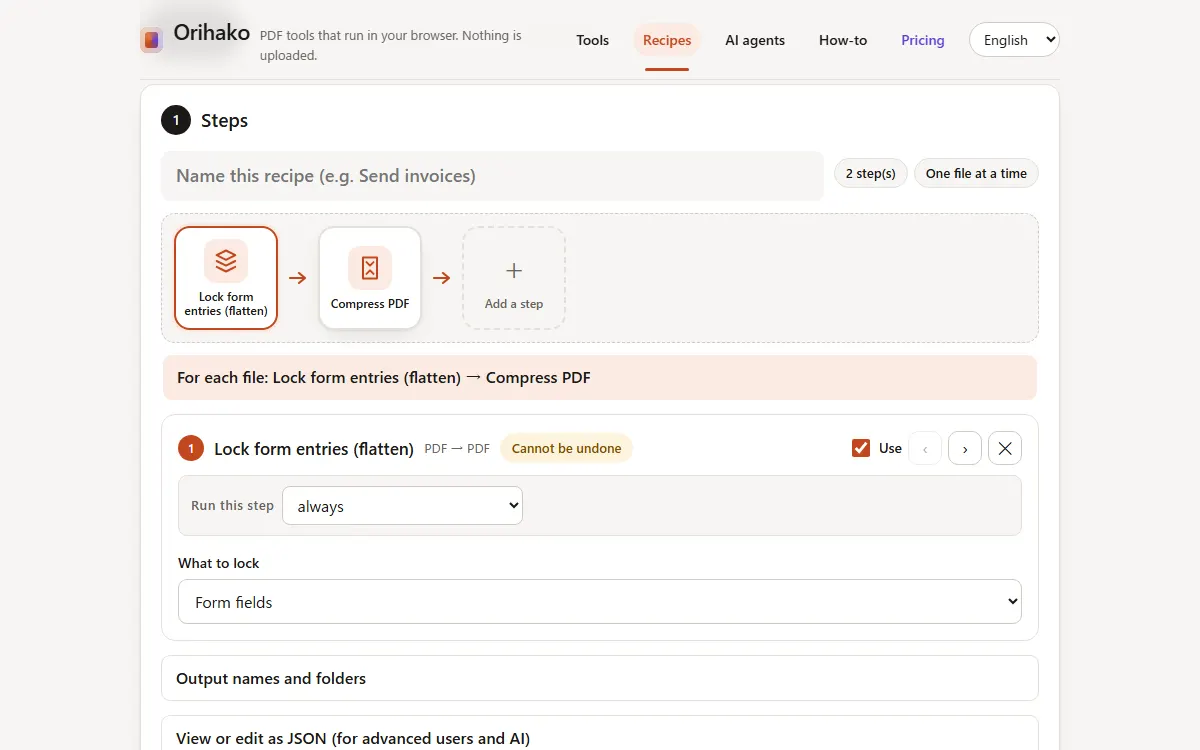
Open as a recipe
Press Open these steps as a recipe. Name it, save it, and next time run it on many files at once.
Tips
- Continuing to a second step is where Pro starts. Without Pro, download the result and open the next tool yourself.
Last updated: 2026-09-15